
Restaurants
A menu guests actually want to open
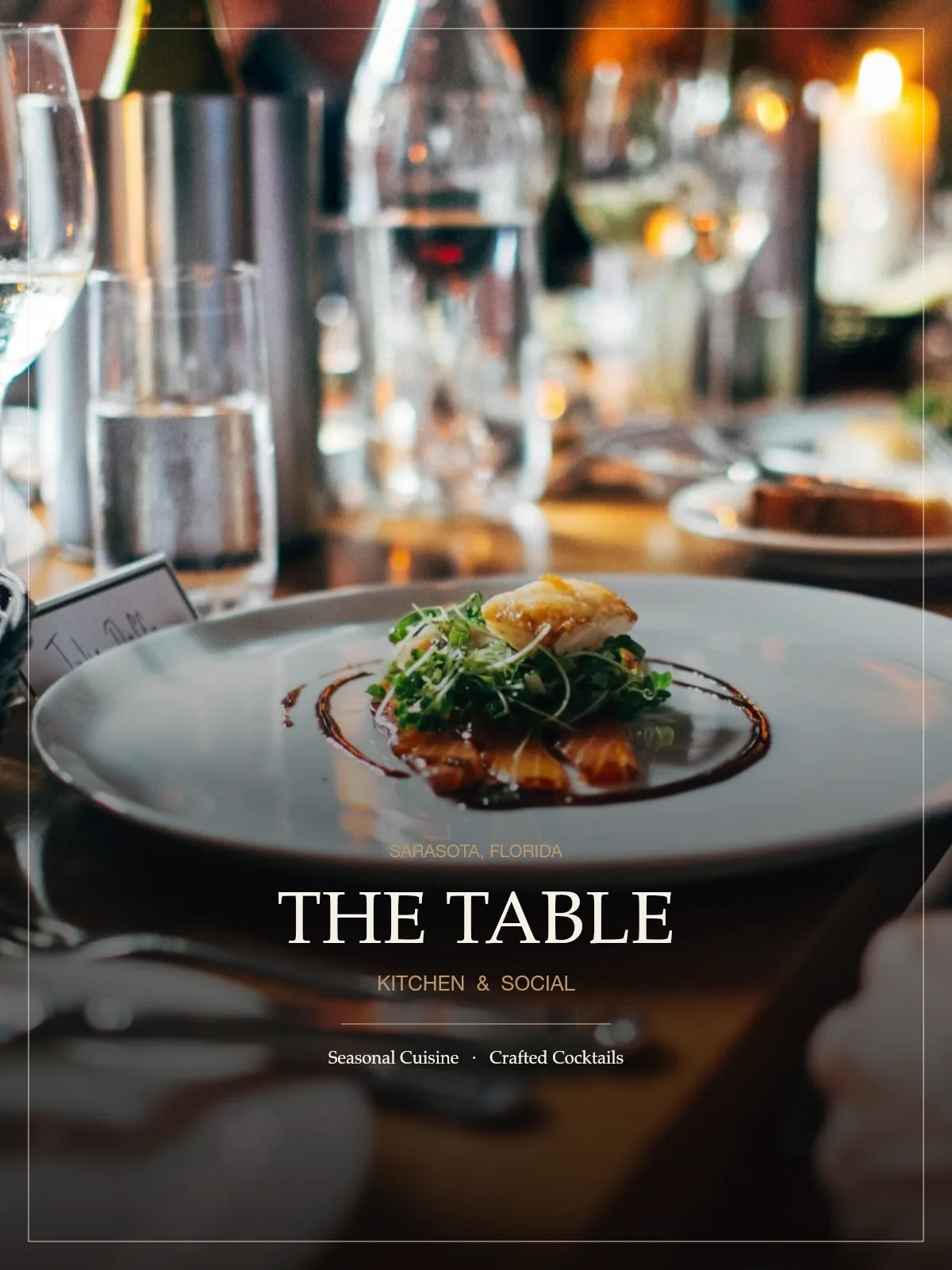
The Table is a fictional Sarasota restaurant. Same publication in print, on the QR, and in the phone.
QR code

Printed on the menu, table tent, or door.
- Printed publication
- The publication your customer receives.
- QR code
- The permanent code on the menu, tent, or door.
- Digital publication
- The mobile QRPageTurn version of the same book.
Like what you see?
Create a digital publication like this for your restaurant.
- Update without reprinting
- Permanent QR code
- No app required
- Mobile friendly
QR placement: Table tents · Front door · Menus · Receipts · Takeout packaging · Hotel rooms
Print is finished the day it comes off the press
Guests, customers, and residents still need the publication after the event, the meal, the showing, or the meeting. A reprinted booklet cannot keep up.
One permanent QR opens the real digital publication
QRPageTurn hosts the page-turning edition. The printed piece keeps the same code when you update the file.
Built for how you actually work
Permanent QR code
Print it once. The code keeps opening the current edition.
No app required
The phone camera opens the QRPageTurn viewer in the browser.
Mobile friendly
Pages are readable on a phone without pinching a PDF.
Easy to share
Anyone with the link can pass the publication along.
How it works
- 01
Upload the publication
Start from the finished PDF you already designed.
- 02
Publish
QRPageTurn builds the page-turning edition and a permanent code.
- 03
Print the code
Place it on the program, menu, sign, flyer, or notice.
- 04
Update later
Replace pages without reprinting the code.
Common use cases
- Table tents
- Front door
- Printed menus
- Receipts
- Takeout packaging
- Hotel and resort rooms
Pricing that fits
Start with a single publication, then move to a plan when you publish more than one.
Compare plansQuestions
Does the example use the real viewer?
Yes. Open live example loads the QRPageTurn publication viewer. The people, teams, restaurants, and the City of Bayhaven in these examples are fictional.
Will the QR code change if I update the file?
No. The permanent code stays on the printed piece while the digital edition is replaced.
Create a digital menu
Upload your PDF and publish a scannable edition with the same viewer you just opened.